Why People Still Use LG Smartphones and a Guide to Current Usage
Many people continue to use or seek out LG smartphones even after the company exited the mobile business. We provide a detailed guide on why they are still usable, how to maintain the devices, and the security and software limitations you must be aware of at this point.
Posted 2026.08.20Published 2026.08.30Views 54
Reading time about 16 minLast updated 2026.10.10
LG Electronics' withdrawal from the smartphone market left many users disappointed. However, thanks to their unique designs, high-quality audio performance featuring DACs (Digital-to-Analog Converters), and solid build quality, many people still cannot let go of their LG smartphones. Today, we will go beyond mere nostalgia to examine how to wisely utilize LG smartphones in the current landscape and what you need to check to keep your device in top condition.
Many users still actively use LG's final flagship models, such as the V50, V60, or the Velvet series. For audiophiles in particular, models equipped with LG's Quad DAC hold irreplaceable value. When streaming or listening to high-resolution audio, they deliver top-tier sound without the need for an external DAC. For daily tasks like messaging, web browsing, and watching videos, their performance remains sufficient even when compared to modern entry-level smartphones.
Security and Updates: What to Check When Using an LG Smartphone
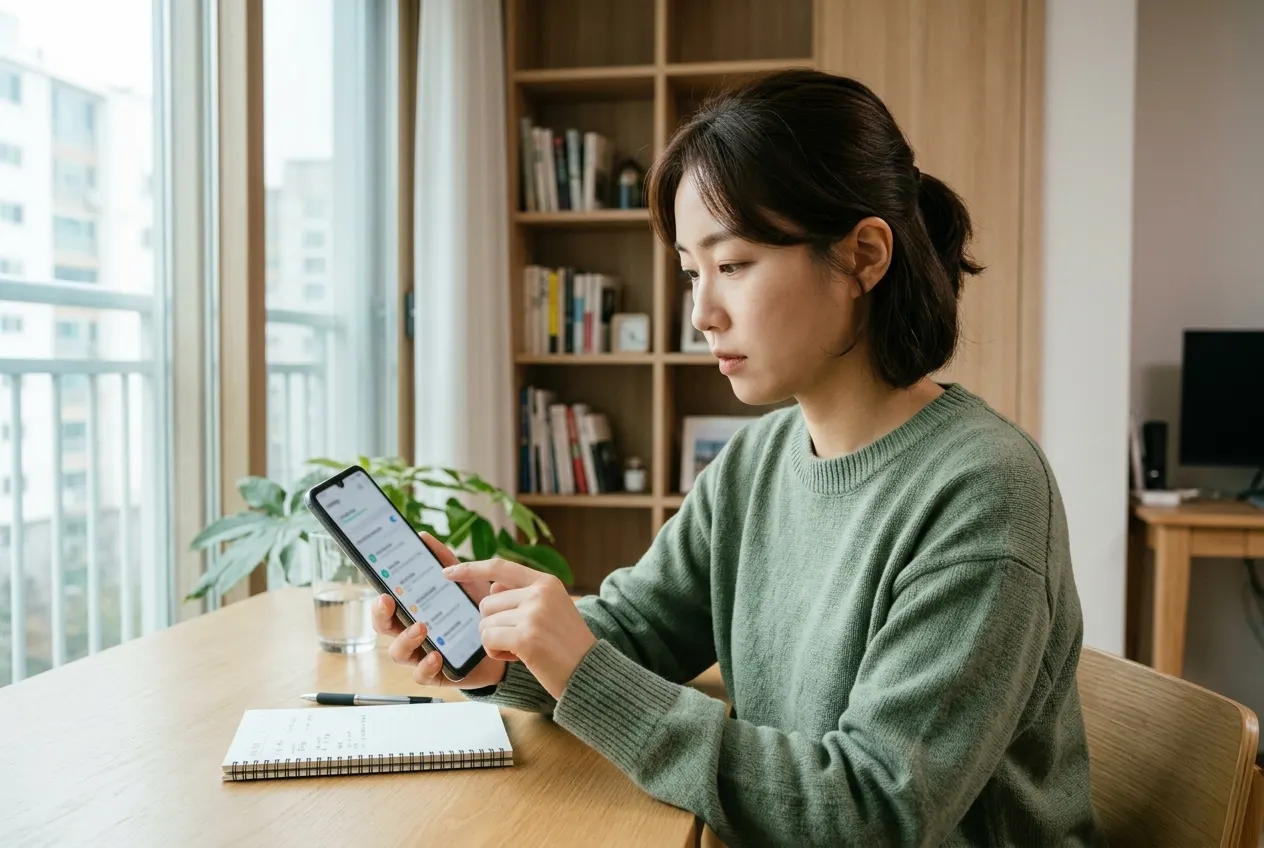
Image related to security and updates to check when using an LG smartphone The most important factor when deciding to use the device is security. Since LG Electronics ended its mobile business, software updates have been officially discontinued. This means OS upgrades to new Android versions are impossible, and immediate patches for critical security vulnerabilities are difficult to obtain. Therefore, rather than using it as a main phone, it is recommended to follow these practices: First, keep the device in its original, non-rooted state. If you add rooting to a device that no longer receives security patches, the risk of exposure to malicious apps increases exponentially. Second, avoid installing APK files from untrusted sources. Using verified channels like the Google Play Store can prevent a significant portion of risks. Third, it is advisable to separate banking apps or services containing sensitive personal information from this device. If you must use them, utilize the 'Secure Folder' feature or keep security apps as updated as possible. Fourth, regularly clear storage and delete unnecessary cache files to ensure system stability. To enhance security, delete unused apps immediately and make it a habit to perform regular security scans via the 'Device Care' feature in the settings.
Battery Management and Hardware Optimization Methods
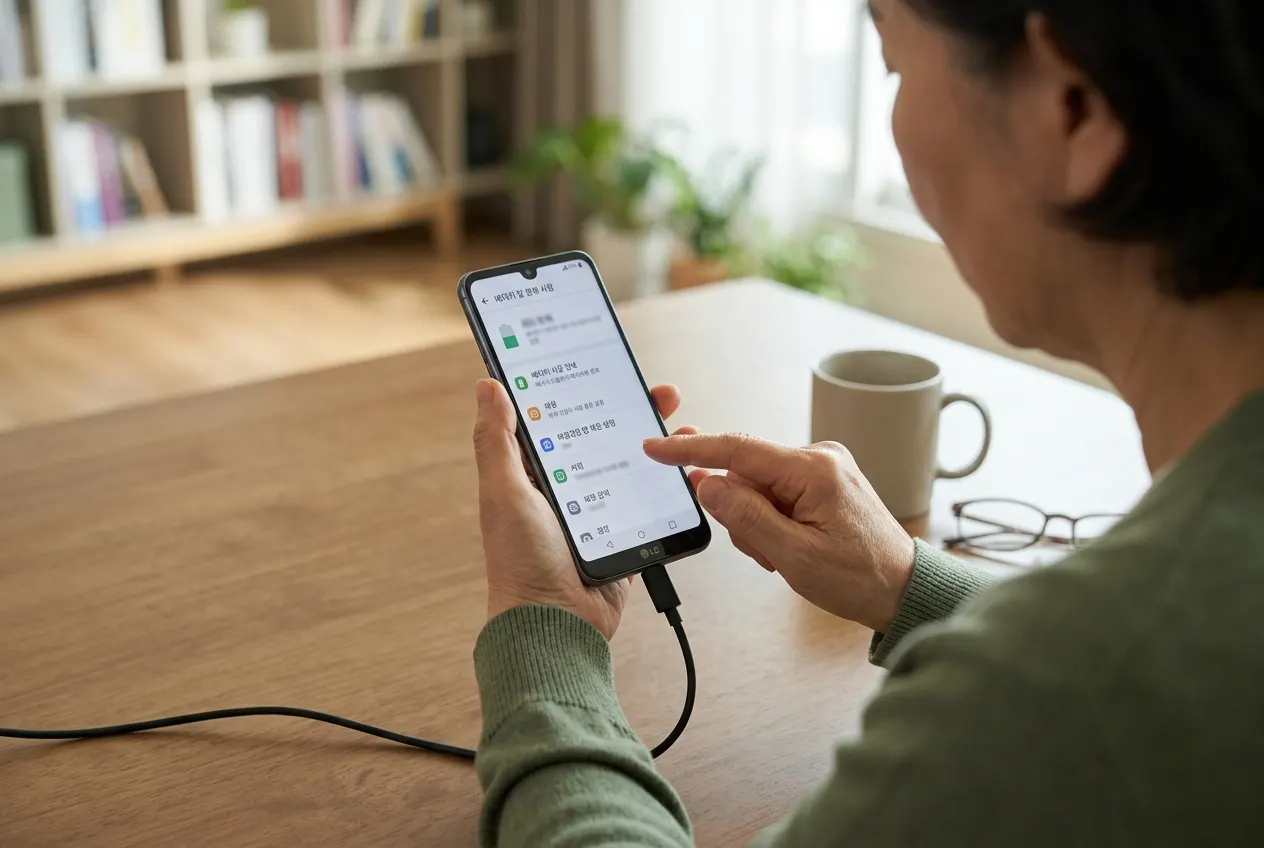
Image related to battery management and hardware optimization methods The biggest enemy of an old smartphone is battery degradation. Since LG smartphones were released years ago, it is highly likely that battery efficiency has dropped significantly. If battery health is below 80%, you should consider a replacement. Some third-party repair shops still carry genuine or compatible batteries for LG devices, so shopping around for a replacement can make your experience much more pleasant. On the software side, the key is to manage unnecessary background apps. You can extend daily usage time by blocking high-power-consuming apps via the 'Battery & Power Saving' menu and setting screen brightness to auto-optimization mode. Also, if the device frequently overheats, it is a good strategy to shift its use from high-spec gaming to music playback, e-book reading, or dedicated navigation. If you want to preserve battery life, it is a good habit to stop charging at 80-90% rather than a full charge. Additionally, if the device gets very hot while charging, remove the case to facilitate heat dissipation, and use a standard charger rather than a fast charger to minimize stress on the battery cells, which is the best way to preserve the device in the long run.
Guide for Secondary Devices and Special Purposes
Image related to guide for secondary devices and special purposes LG smartphones are excellent multimedia devices in their own right. Models that supported Dual Screen, in particular, still boast unparalleled utility. Multitasking—watching YouTube on one screen while browsing the web on the other—is not inferior even when compared to the latest devices. They are also highly satisfying when used as car navigation systems due to their large screens and stable GPS performance. Mounting one on the dashboard and running a navigation app as a standalone device instead of using Android Auto allows you to use your main phone freely while driving.
Another use case is as a photography assistant device utilizing the high-quality camera. The LG V series features powerful camera software that allows for fine-tuning of shutter speed, ISO, and white balance through 'Manual Mode.' For those who enjoy photography as a hobby, it can be a great practice tool. Beyond photos, you can use the high-quality microphone performance for video recording, making it a great vlogging recorder or portable camcorder. Furthermore, using it as a dedicated DAP (Digital Audio Player) to store high-resolution audio files can create a listening environment that rivals expensive audio equipment. Since the internal DAC performance of the smartphone is often superior to standard Bluetooth receivers, connecting wired earphones is the most effective way to enjoy music.
Checkpoints for Buying Used Devices and Long-term Management Strategy
If you are planning to purchase an LG smartphone at this point, you must check the following: First, check for screen burn-in. Models with OLED displays often retain ghost images if a specific screen has been left on for a long time. Display a white screen and carefully check for traces of the status bar or keyboard. Second, check for SIM recognition and carrier locks. Verify if it is an unlocked model or a carrier-specific model to ensure compatibility with your SIM card. Third, check the wear on buttons and ports. If the charging port is loose, charging may be unstable. Fourth, checking for dents on the housing or screen damage is standard. Rather than just looking for the cheapest price, requesting detailed photos from verified used marketplaces or checking the seller's transaction history is the best way to avoid failure. Additionally, check for damage to the rear camera glass and the response speed of the fingerprint sensor. For models where the fingerprint sensor is integrated into a physical button, ensure the button's click feel is normal. Finally, using an LG smartphone has become more than just using an electronic device; it has become a matter of personal taste. While the latest devices offer a standardized experience, LG smartphones still provide the analog fun of responding to the user's detailed settings. However, if you strictly follow the security rules mentioned above and clearly understand the device's limitations, you can continue to have a very enjoyable experience. When storing the device for a long period, it is best to keep it in a cool, dry place with about 50% charge, and you should turn it on once every few months to prevent battery discharge.
Frequently Asked Questions
Is it dangerous to use an LG smartphone now?
Since security updates have been discontinued, it is not recommended to use it as a main phone for financial transactions or handling sensitive personal information. However, there is no major issue in using it as a secondary device for music or video consumption.
Where can I get the battery replaced?
Official service centers are unlikely to have parts in stock. Many people attempt self-repair using third-party shops or used parts, but it is recommended to seek help from a skilled professional for safety.
Can I use an LG smartphone for car navigation?
Yes, it is a highly recommended use case. The GPS performance is solid and the screen size is appropriate, making it very suitable for dedicated navigation. However, be careful not to expose it to high temperatures inside the car during summer.
What is the most important thing to watch out for in used transactions?
Check for burn-in on the OLED panel and contact failure in the charging port first. It is also important to check if there is any moisture inside the camera lens.
More useful information
Explore related articles and the latest practical information.