What is the first thing you should take care of when planning an overseas trip for summer vacation or a holiday? Just as important as booking flights and accommodations is your communication environment while abroad. Many people think, 'I'll just set it up when I get there,' only to be flustered upon arriving at the airport or shocked by an unexpected bill after returning home. International roaming is not just about turning data on or off; it starts with understanding your phone's network status and your carrier's rate policy. Thorough preparation is a key factor in determining the quality of your trip.
Is it really necessary to set up international roaming in advance?

The short answer is 'yes.' Many travelers expect roaming to activate automatically when they turn off airplane mode after departure, but in reality, settings often get tangled depending on the carrier's rate plan or the phone model. In particular, if data blocking is not set up or if settings incompatible with local networks remain, apps syncing in the background can cause unintended data charges.
The first checkpoint before departure is the 'Data Roaming Block' setting. Be sure to check through your carrier's customer service app or website to see if the 'Data Roaming Block' value-added service is active. If you plan to purchase a separate USIM or eSIM, it is essential to completely block your existing domestic carrier's data roaming. Otherwise, there is a high possibility of unexpected charges as your domestic plan and local SIM data may overlap. Also, since roaming blocking services are often provided for free, it is a good idea to double-check your subscription status.
An additional point to note is the carrier's 'Safe Roaming' service. Recently, many carriers have been providing services that automatically block or throttle speed once a certain amount of data is consumed. Simply checking if your current plan includes these safety measures can significantly reduce anxiety about bill shocks. Furthermore, comparing the data provided by roaming plans with your usual consumption patterns and pre-registering for daily flat-rate roaming or country-specific roaming products can be more economical.
What is the difference between a roaming plan and a local SIM?
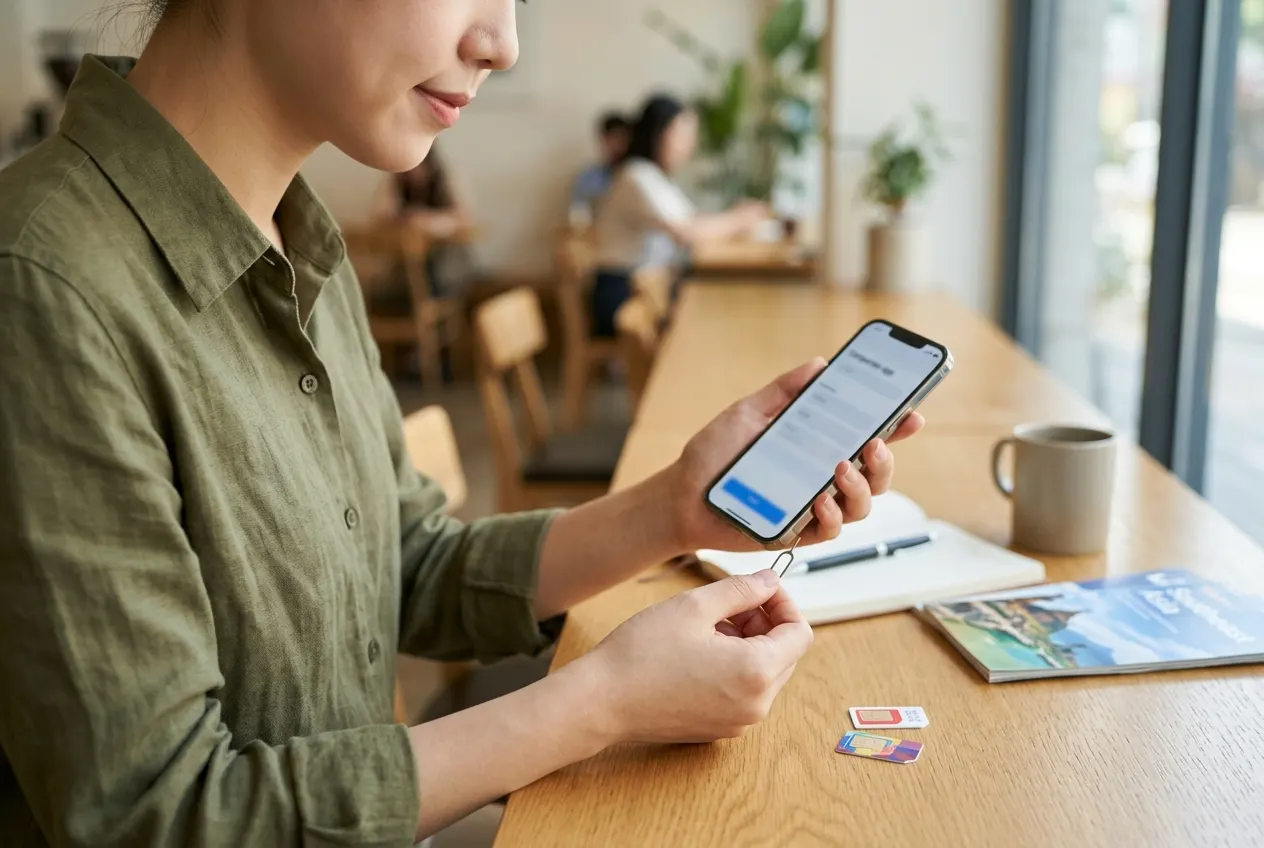
Many people struggle with the choice between roaming and buying a local SIM. Each method has clear pros and cons. Carrier roaming has the decisive advantage of allowing you to keep your existing number, so you won't miss important calls or texts from home. There is no need to swap SIM cards, reducing the risk of loss, and the convenience of being able to use it immediately upon arrival is significant. On the other hand, while local SIMs allow you to use a lot of data at a relatively low price, the inconvenience is that you cannot receive calls or texts to your Korean number.
The criteria for selection depend on your travel style. If you are traveling for business or need to be reachable 24/7, a carrier roaming plan is recommended. Conversely, if you are going on a long-term trip or planning to consume a lot of data for video streaming or social media live broadcasts, a local SIM or eSIM is more economical. Before deciding on a plan, you must also check the network quality of the country you are visiting, as certain carriers' roaming networks may be much more stable in specific countries. Also, if you choose a local SIM, it is important to check if your device is 'SIM-unlocked.' Most modern smartphones are unlocked, but older devices may require verification.
How do roaming settings differ by phone model?
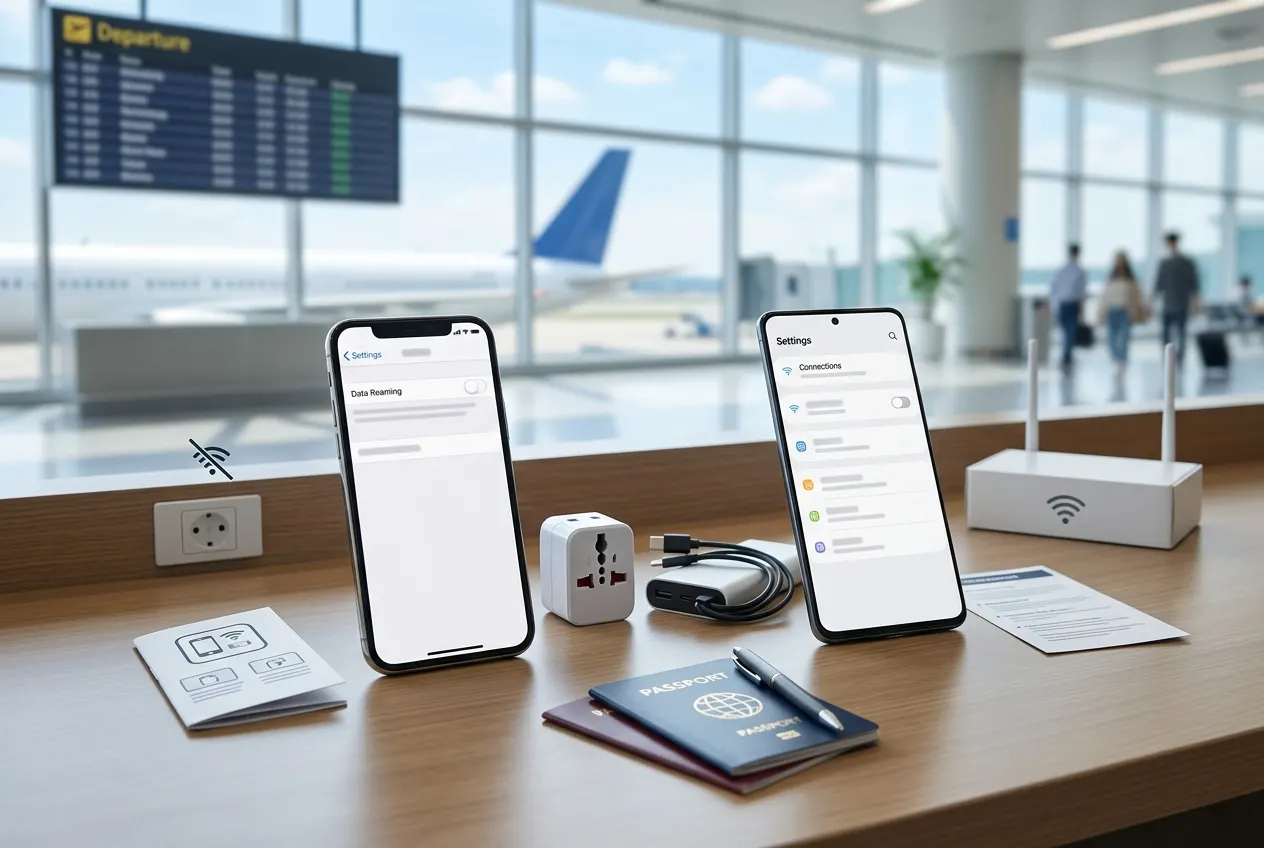
iPhone and Android devices have different menu configurations. iPhone users can directly decide whether to enable 'Data Roaming' in the 'Settings' - 'Cellular' menu. Android users can find the 'Data Roaming' item under 'Settings' - 'Connections' - 'Mobile Networks.' The important point here is the 'Data roaming' option. If this option is on, data may connect even if you haven't signed up for a roaming plan, so it is safer to leave it 'Off' before departure.
Regardless of the model, you should also check the 'Wi-Fi Assist' feature. Wi-Fi Assist automatically pulls data when the Wi-Fi signal is weak, which can be a major culprit for bill shocks abroad. It is a good habit to disable Wi-Fi Assist as soon as you arrive overseas. For Android, you can monitor data usage through 'Wi-Fi control history,' so please refer to that. Utilizing data-saving modes on your device is also a good method. Enabling data-saving mode prevents background apps from using data, reducing unexpected consumption.
What if data doesn't work suddenly while abroad?
Sometimes data doesn't connect locally even if you have configured roaming correctly. In this case, don't panic and try 'Manual Network Selection.' This involves changing the network setting from 'Automatic' to 'Manual' in your phone's network settings menu and selecting the local mobile carrier yourself. In most cases, this process alone will restore a smooth connection. It may take some time for the network list to appear, so be patient and wait for about a minute.
If manual selection doesn't solve the problem, you should check the APN (Access Point Name) settings. Especially when using a local SIM, you may need to manually enter the APN values provided by the carrier to enable data communication. This information can be found in the manual included with the SIM purchase or on the seller's guide page, so it is wise to take a screenshot in advance. Rarely, simply rebooting the device can help the network connect normally, so we recommend turning the device off and on once after changing settings. Additionally, toggling airplane mode on and off after 10 seconds can often reset the connection to the base station and resolve the issue.
Final precautions to check before departure
While traveling abroad, it is recommended to change app update settings to 'Wi-Fi only.' If automatic updates are on, large-scale updates might proceed via mobile data the moment the hotel Wi-Fi briefly disconnects. Also, be sure to check your cloud backup features. Features that automatically upload photos or videos to the cloud consume a surprising amount of data. While it's great to capture the beautiful scenery of your trip, it is advisable to adjust settings so that cloud synchronization only occurs in a stable hotel Wi-Fi environment. Turning off unnecessary notification settings also helps save data.
Finally, save the 'Roaming Customer Service' number provided by your carrier in advance. Calls to customer service when a critical issue arises abroad are often free. Before departure, write down the roaming support status and customer service contact information for the country you are visiting in a memo app or save it as a screenshot; it will be a great help in case of an emergency. Roaming is as comfortable as you prepare for it. Based on what we've covered today, set things up carefully and have a fun and safe trip.
Frequently Asked Questions
Does turning on airplane mode completely block data roaming?
Airplane mode blocks all wireless communication, but it reactivates the moment you turn it off. Therefore, for complete blocking, it is most certain to apply for the 'Data Roaming Block' value-added service through your carrier's customer service center.
Which is cheaper, roaming or a local SIM?
Generally, if you have high data usage, a local SIM or eSIM is much cheaper. Roaming is advantageous in terms of convenience and keeping your number, but the rates are often set relatively high.
If I turn off data roaming settings, will I stop receiving texts?
No, you can still receive regular voice calls and SMS texts even if data roaming is turned off. However, MMS (texts containing photos) require data, so they may be difficult to view if data roaming is off.
I only want to use Wi-Fi while abroad; how do I set that up?
Keep the data roaming setting 'Off' and disable cellular data itself in your phone's settings. After that, you can turn on only Wi-Fi and travel without worrying about data charges.